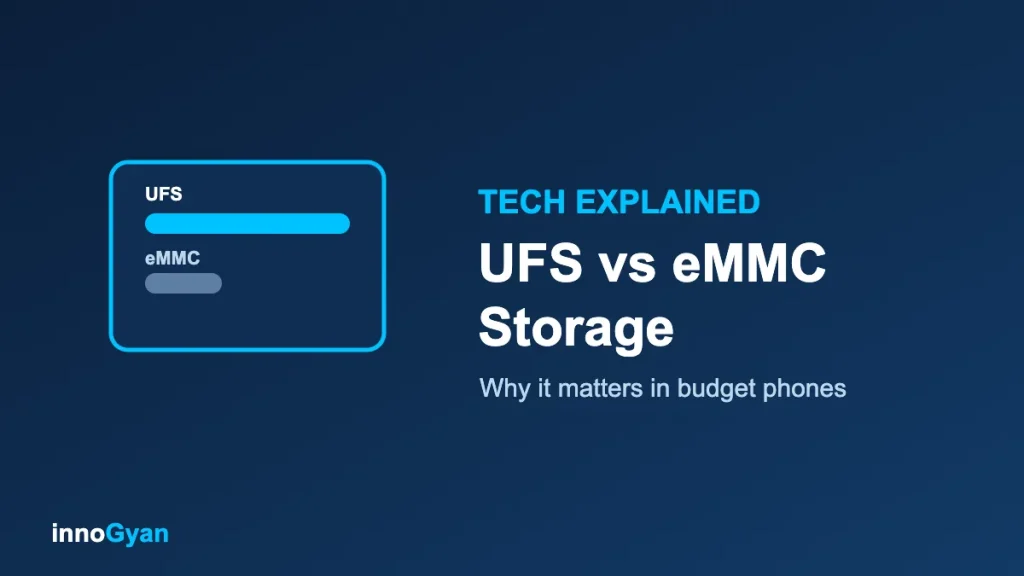

UFS storage is much faster than eMMC. It reads and writes data at the same time, so apps open faster, games load quicker and the phone feels snappier. If two budget phones cost the same, pick the one with UFS (ideally UFS 2.2 or newer) over eMMC.
Here’s how the storage types compare, and why it matters even more on cheaper phones.
- eMMC: older and slower. Found in some entry-level phones.
- UFS 2.2 / 3.1: fast enough for most users and common in budget and mid-range phones.
- UFS 4.0 / 4.1: very fast. Found in flagships and upper mid-range phones.
- UFS 5.0: the newest standard, supported by the latest flagship chips.
What is eMMC?
eMMC (embedded MultiMediaCard) is an older storage type with flash memory and a controller in one chip. The last major version, eMMC 5.1, was announced back in 2015.
Its big limitation: it can either read or write at one time, not both. This is called half-duplex.
What is UFS?
UFS (Universal Flash Storage) replaced eMMC in most phones. It can read and write at the same time (full-duplex) and uses faster serial lanes.
The result is much quicker app launches, file copies and game loading.
UFS vs eMMC: speed comparison
| Storage | Read/write at same time? | Max sequential read* | Where you’ll find it |
|---|---|---|---|
| eMMC 5.1 | No | Much lower than UFS | Some entry-level phones |
| UFS 3.1 | Yes | Up to ~2,100 MB/s | Mid-range phones |
| UFS 4.0 | Yes | Up to ~4,200 MB/s | Flagships, upper mid-range |
| UFS 5.0 | Yes | Faster still (newest standard) | Latest flagship chips |
*Maximum rated speeds. Real-world speed depends on the phone. UFS 4.0 is about twice as fast as UFS 3.1 and around four times faster than the older UFS 2.1.
Why storage speed matters in budget phones
- App launch: slow storage makes apps take longer to open.
- Game loading: big games like BGMI load maps faster on UFS.
- Updates and installs: faster on UFS.
- Long-term feel: eMMC phones tend to feel slower as storage fills up.
Low RAM plus slow eMMC is a common reason cheap phones feel laggy after a year.
How to check your phone’s storage type
- Check the official spec sheet on the brand’s website. It usually lists “UFS 2.2”, “UFS 3.1” or “eMMC”.
- Check reputable spec sites or the product listing.
- Benchmark apps can show storage read/write speeds.
If a listing doesn’t mention the storage type at all, it is often eMMC. Be cautious.
Is UFS 4.0 worth paying more for?
For heavy gamers and power users, yes. You’ll notice faster loads and quicker large file transfers. For calls, social media and video, UFS 2.2 or 3.1 is perfectly fine.
Buying tips
- Avoid eMMC if you can, especially with 4GB RAM.
- Prefer 128GB over 64GB. Nearly full storage slows any phone.
- For gaming phones, look for UFS 3.1 or newer.
FAQ
Is UFS better than eMMC?
Yes. UFS is faster and can read and write at the same time.
Is UFS 2.2 good enough?
Yes, for everyday use. It is a big step up from eMMC.
How much faster is UFS 4.0 than UFS 3.1?
Around twice as fast in sequential read speed: about 4,200 MB/s vs 2,100 MB/s.
Can I upgrade my phone’s storage type?
No. Storage is soldered onto the phone’s board.
Does a microSD card make my phone faster?
No. microSD cards are slower than internal UFS storage. Use them for photos and media, not apps.
What to do next
- Shopping on a budget? Browse our buying guides.
- Learn how chips compare in our Snapdragon vs Dimensity guide.